Why Your Notes App Is Backwards
Your notes app has the workflow backwards. It asks you to organize before you think — and neuroscience explains why that’s the worst possible design.
Open any note-taking app — Notion, Evernote, Apple Notes, Obsidian — and the first thing you see is a decision tree. Which notebook? Which folder? What’s the title? Should this be a page, a database entry, or a quick note?
By the time you’ve answered those questions, the thought is gone.
This isn’t just annoying. It’s fighting your brain chemistry.
Your brain isn’t built for organize-then-think
Every popular note app assumes structure comes first, content comes second. You create the container, then you fill it. That sounds reasonable. It’s also neurologically wrong.
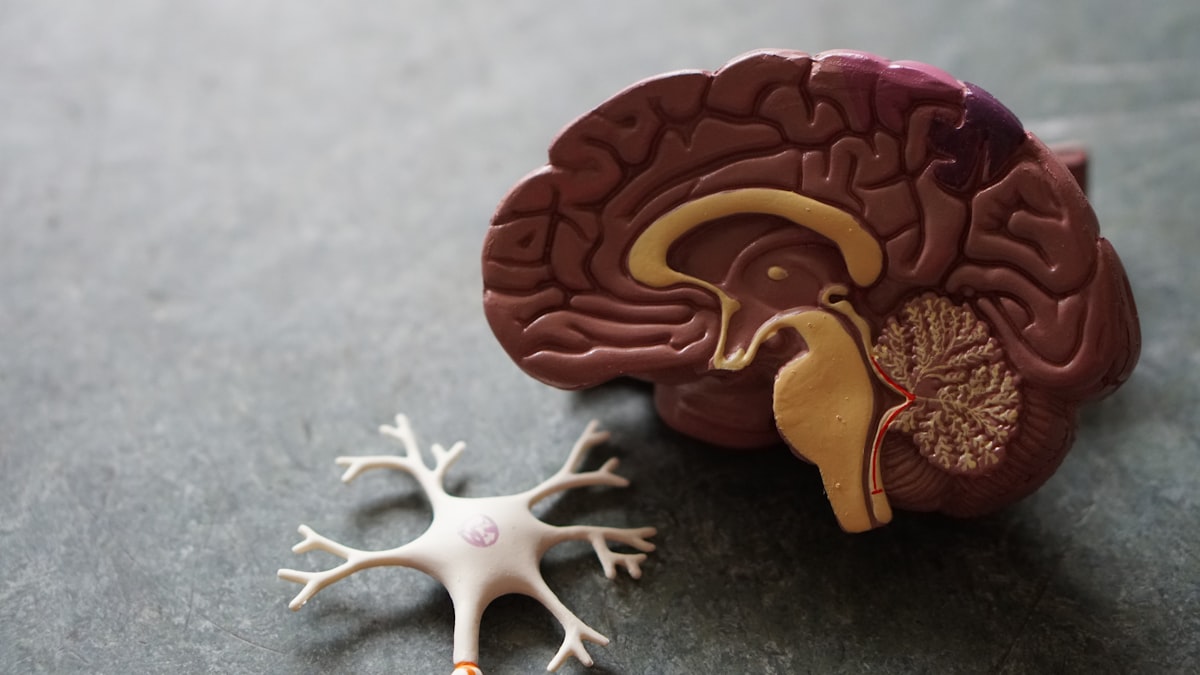
There’s a phenomenon neuroscientists call transient hypofrontality. During activities like walking, showering, or driving, your prefrontal cortex — the part responsible for planning, categorizing, and organizing — becomes less active. Your brain shifts resources toward the default mode network, where creative connections and free association happen.
This is exactly why your best ideas come in the shower. Your brain is in generative mode, making unexpected connections without the prefrontal cortex filtering them out.
Here’s the problem: the moment you open a note app and face a folder structure, you’re forcing your prefrontal cortex back online. You’re ripping yourself out of generative mode and into analytical mode. Picking a notebook, choosing a template, writing a title — each decision re-engages the very brain region that was quiet when the idea appeared.
You’re literally fighting your own neuroscience.
The cognitive load tax
It gets worse. Psychologist George Miller established that working memory handles roughly 4 chunks of information at a time (his original estimate of 7±2 has been refined down by subsequent research). Every decision your notes app forces on you eats into those chunks.
Here’s what happens when you try to capture a thought in a typical app:
- Chunk 1: The idea itself
- Chunk 2: Which folder/notebook does this belong in?
- Chunk 3: What should I title this?
- Chunk 4: How should I format this?
Your working memory is full before you’ve written a single word. The idea — the thing that actually matters — is competing for space with organizational overhead. Details get lost. Nuance evaporates. You capture a shadow of the original thought.
This is what cognitive load theory predicts: extraneous cognitive load (decisions unrelated to the core task) directly degrades performance on the core task. Your notes app is adding extraneous load at the worst possible moment.
The Zeigarnik Effect: why uncaptured thoughts haunt you
There’s another cost most people don’t know about. Psychologist Bluma Zeigarnik discovered in 1927 that incomplete tasks occupy working memory until they’re resolved. Your brain keeps “open loops” running for unfinished business.
Every thought you have but don’t capture becomes an open loop. Your brain keeps cycling back to it, burning mental energy. “I had an idea about the marketing campaign… what was it?” That nagging feeling isn’t just annoying — it’s measurable cognitive drain.
The faster you capture a thought, the faster you close the loop. But if your capture tool adds 15 seconds of organizational friction, you’re keeping that loop open longer — or worse, you decide it’s not worth the effort and never capture it at all. The loop stays open. The drain continues.
Fast capture isn’t just convenient. It’s cognitive hygiene.
What happens in practice
You know what this looks like because you’ve lived it.
You have a brilliant idea in the shower. You grab your phone, open your notes app, stare at the folder structure for three seconds too long, and type something half-formed into a note titled “untitled” in your Inbox folder.
Three weeks later, you have 47 untitled notes in your Inbox. You’ll never read them again.
Or worse — you don’t capture the thought at all. The friction wins. The best note is the one you actually take, and most apps make that harder than it needs to be.
Here’s the data that makes this concrete: studies on personal information management show that roughly 90% of saved notes are never retrieved. Not because people don’t need them, but because poor capture leads to unfindable notes. The problem isn’t retrieval — it’s that friction-heavy capture produces low-quality, context-poor notes that are useless later.
The Capture Spectrum
Most note apps force you to pick between two extremes:
High friction + High organization  ←→  Low friction + Zero organization
(Notion, Obsidian, Evernote)            (Voice memo, sticky note, Apple Notes)
On the left, you get structure but lose speed. On the right, you get speed but create a graveyard of unorganized fragments.
The breakthrough is realizing these don’t have to be tradeoffs:
High friction + High organization    ← Traditional apps
Low friction  + Zero organization    ← Voice memos, sticky notes
Low friction  + AI organization      ← The sweet spot ✓
The sweet spot is low friction capture with automatic organization after the fact. You capture at the speed of thought. AI handles the structure later.
This works because organization doesn’t require the creative context that was present during capture. The metadata — tags, categories, connections — can be derived from the content itself. A machine reading your note five seconds after you recorded it has all the information needed to organize it. You don’t need to be in the loop.
Why voice unlocks the sweet spot
Speaking is the lowest-friction capture method that exists. Research on input modalities shows that average speaking rate is 150 words per minute versus 40 wpm for typing on mobile. That’s 3.75x faster.
But speed is only half the story. Neuroscience research on elaborative encoding shows that speaking thoughts aloud creates stronger memory traces than typing. Voice engages motor, auditory, and linguistic pathways simultaneously. When you speak an idea, you’re processing it more deeply than when you type it — even though it feels effortless.
This means voice capture is doubly useful: it’s faster for input AND the act of speaking helps you think through the idea more thoroughly. You’re not just recording — you’re processing.
Think first, organize never
What if you flipped the model entirely?
Instead of organize-then-think, you think-then-organize. Or better yet: think, and let something else organize for you.
This isn’t a radical idea. It’s how your brain already works. Your mind doesn’t file thoughts into folders. It stores them associatively — by context, emotion, timing, and connection. You remember where you were when you had an idea, not which subfolder you assigned it to.
The best capture system mirrors this. It gets out of your way, records the raw thought, and handles structure after the fact.
That’s exactly what AI is good at. Not generating your thoughts for you — but processing them after you’ve had them. Reading what you said, understanding the context, applying tags, linking related ideas, and making it all searchable.
The human thinks. The machine organizes.
We built Snow around this idea
Snow is a note-taking app that does one thing differently: it removes every decision between you and your thought.
Press ⌘+⇧+S. Speak. Done.
No folder to pick. No title to write. No template to choose. You talk, Snow listens, and AI handles the rest — transcription, cleanup, tagging, and organization.
Your notes appear clean, titled, and tagged. Not because you spent time organizing them, but because you didn’t. Your prefrontal cortex stays quiet. Your open loops close instantly. Your working memory stays free for what matters — the next idea.
The best note-taking system is one that never asks you to stop thinking.